


Skip to Content

How It Works

From First Visit to Feed Decision

Here's what happens between a deer stepping in front of the camera and the alert on your phone.

Step by Step

  1. 1

    Set Up the Feeder

    Fill the two feed bays and the water bay, mount the feeder and pair it with the Black Timber mobile app. Drop it on your property map and pick the rule it should follow.

  2. 2

    The Camera Sees a Deer

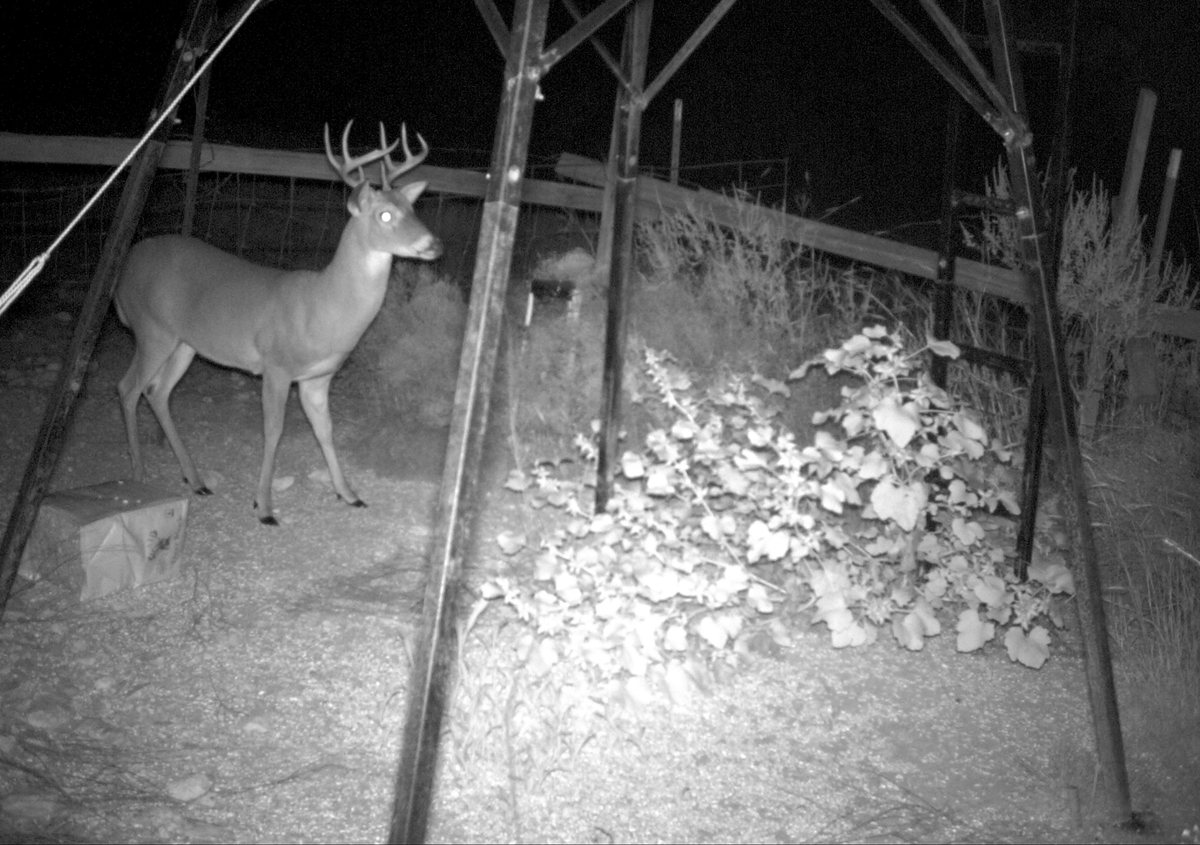
    The day and infrared camera wakes when a deer comes in and captures the visit, day or night.

  3. 3

    oAIsys Identifies and Scores

    oAIsys matches the deer against the bucks it already knows on your property and estimates his gross score, with a confidence and an expected range.

  4. 4

    Your Rule Decides

    The rule checks each criterion in order: buck or not, minimum score, minimum confidence, unknown deer, feeding hours, cooldown and the daily limit.

  5. 5

    The Feeder Dispenses, or Doesn't

    If every check passes, the feed bay opens. If one fails, it stays shut. Either way the decision is recorded with the reason.

  6. 6

    You Get the Alert

    A push, email, SMS or in-app alert tells you what came in and what the feeder did, with the photo attached.

Infrared photo of a buck standing at a feeder at night
BT-00041738°F11-02-202605:42:00Creek Bottom

Built for Real Conditions

Works Offline

No Signal? No Problem.

Back-country ground rarely has perfect coverage. The feeder keeps the latest version of your rule and makes decisions on its own when it can't reach the cloud. Photos and decision records sync when the connection comes back, so your history has no gaps.

Freeze Protection

Built for Cold Mornings

When the temperature drops to 34°F, the water bay drains automatically so ice doesn't damage the lines. You'll see the drain in the app's activity.

Want the Technical Details?

See how oAIsys identifies bucks and estimates scores.

Explore oAIsys